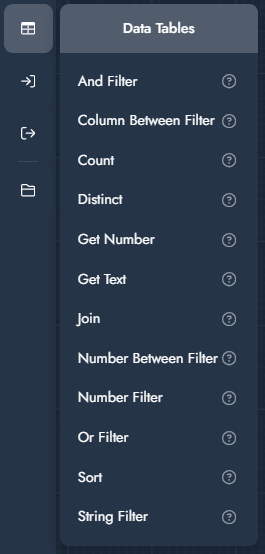
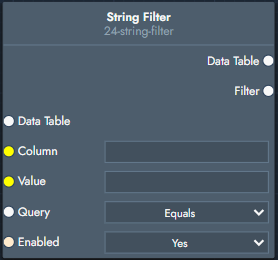
Data Table modifiers allow you to work with CSV-based datasets inside the graph. They can be used to query, filter, join, and extract values from structured data, enabling configuration logic driven by external spreadsheets.
Data Tables are commonly used to populate option lists dynamically, map parameters to values, or implement pricing and lookup logic.
Modifier
Explanation
Input
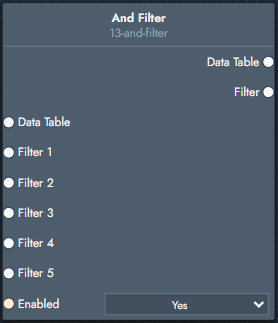
And Filter
Combines multiple filters using a logical AND operation.
Inputs
Data Table: The source data table.
Filter 1–5: Filters to combine.
Enabled: Enables or disables the filter.
Outputs
Data Table: Filtered data table.
Filter: The combined filter.
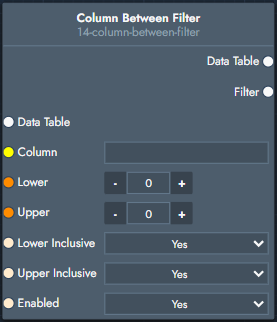
Column Between Filter
Filters rows where a column value lies between two numeric bounds.
Inputs
Data Table: The source data table.
Column: Column to evaluate.
Lower / Upper: Lower and upper bound values.
Lower Inclusive / Upper Inclusive: Whether bounds are inclusive.
Enabled: Enables or disables the filter.
Outputs
Data Table: Filtered data table.
Filter: The resulting filter.
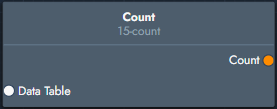
Count
Counts the number of rows in a data table.
Inputs
Data Table: The source data table.
Outputs
Count: Number of rows.
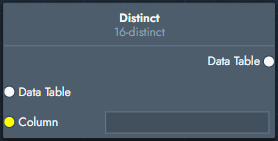
Distinct
Returns a data table containing only distinct values from a column.
Inputs
Data Table: The source data table.
Column: Column used to determine uniqueness.
Outputs
Data Table: Table containing distinct rows.
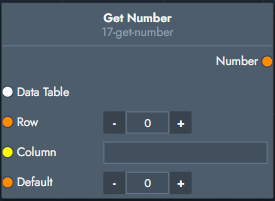
Get Number
Retrieves a numeric value from a specific row and column.
Inputs
Data Table: The source data table.
Row: Row index.
Column: Column name.
Default: Value returned if the cell is empty or invalid.
Outputs
Number: Retrieved numeric value.
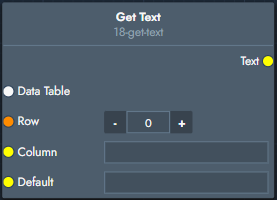
Get Text
Retrieves a text value from a specific row and column.
Inputs
Data Table: The source data table.
Row: Row index.
Column: Column name.
Default: Value returned if the cell is empty or invalid.
Outputs
Text: Retrieved text value.
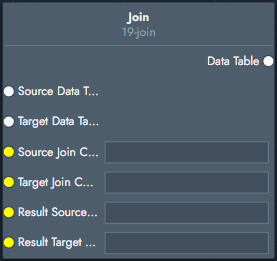
Join
Joins two data tables based on matching column values.
Inputs
Source Data Table: First data table.
Target Data Table: Second data table.
Source Join Column: Column used from the source table.
Target Join Column: Column used from the target table.
Result Source Columns: Columns to keep from the source table.
Result Target Columns: Columns to keep from the target table.
Outputs
Data Table: Joined data table.
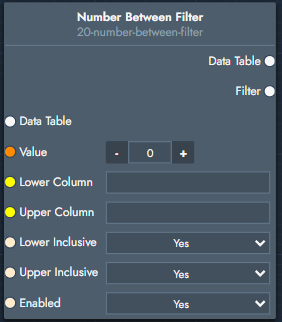
Number Between Filter
Filters rows where a numeric value lies between values defined in two columns.
.svg)